While taking a course, I ran into an error because vite-plugin-next-react-router no longer worked: its installed version differed from the version at the time the course was recorded. I resolved the error by referring to the official GitHub repository and this blog post.
1. Create a Vite project
Create a Vite project with yarn create vite.
➜ yarn create vite
yarn create v1.22.19
(node:11216) [DEP0040] DeprecationWarning: The `punycode` module is deprecated. Please use a userland alternative instead.
(Use `node --trace-deprecation ...` to show where the warning was created)
[1/4] 🔍  Resolving packages...
[2/4] 🚚  Fetching packages...
[3/4] 🔗  Linking dependencies...
[4/4] 🔨  Building fresh packages...
success Installed "create-vite@5.1.0" with binaries:
      - create-vite
      - cva
✔ Project name: … vite-practice
✔ Select a framework: › React
✔ Select a variant: › TypeScript

Scaffolding project in /Users/location/toyour/project/vite-practice...

Done. Now run:

  cd vite-practice
  yarn
  yarn dev

✨  Done in 13.75s.
Enter a project name and choose the options that suit your needs. I chose React and TypeScript.
Move into the folder with the cd your-project-name command, then install dependencies by entering yarn install or yarn.
You can start the local server with yarn dev.
Vite runs on port 5173 by default, so visit localhost:5173 to see the page.

2. Install the plugin
Install the plugin with the commands yarn add vite-plugin-next-react-router and yarn add react-router-dom.
I also installed react-router-dom because it is required to use vite-plugin-next-react-router.
3. Routing
React routing can be configured dynamically using <BrowserRouter>, <Routes>, and <Route>.
Next.js automatically routes based on folder names.
The vite-plugin-next-react-router plugin makes Next.js-like routing possible in React.
First, modify App.tsx:
import './App.css'

function App() {
  return (
  <div>
      This is App.tsx.
  </div>
  )
}

export default App

3-1. Create pages for routing
├── README.md
├── index.html
├── package.json
├── public
│   └── vite.svg
├── src
│   ├── App.css
│   ├── App.tsx
│   ├── assets
│   │   └── react.svg
│   ├── index.css
│   ├── main.tsx
│   ├── pages
│   │   ├── index.tsx
│   │   └── products
│   │       ├── [id].tsx
│   │       └── index.tsx
│   └── vite-env.d.ts
├── tsconfig.json
├── tsconfig.node.json
├── vite.config.ts
└── yarn.lock
- Create a
pagesfolder insidesrc. - Create
index.tsxinsidesrc/pages. This file will provide the component returned atlocahost:5173/. - Create a
productsfolder insidesrc/pages. - Create
[id].tsxandindex.tsxinsidesrc/pages/products. 4-1.[id].tsxprovides dynamic routing for a product number. For example:localhost:5173/products/224-2.index.tsxis thelocalhost:5173/productspage that displays the product list.
3-2. Prepare routing
When you create a project with Vite, there is a vite.config.ts or vite.config.js in the project root.
vite.config.ts
Add withReactRouter() to the plugins array.
import { defineConfig } from 'vite'
import react from '@vitejs/plugin-react'
import withReactRouter from 'vite-plugin-next-react-router';

// https://vitejs.dev/config/
export default defineConfig({
  plugins: [react(),
  withReactRouter()],
})
main.tsx
Inside the src folder, main.tsx is like the index.js created when you create a React app with CRA. Wrap <App /> in react-router-dom’s <BrowserRouter>.
import React from 'react'
import ReactDOM from 'react-dom/client'
import App from './app.tsx'
import { BrowserRouter } from 'react-router-dom';

ReactDOM.createRoot(document.getElementById('root')!).render(
  <React.StrictMode>
    <BrowserRouter>
    <App />
    </BrowserRouter>
  </React.StrictMode>,
)
src/pages/index.tsx, products/index.tsx, [id].tsx
We’ll just display a simple screen to confirm that routing works.
- src/pages/index.tsx This file is the app’s main page.
const IndexPage = () => {
  return (
  <div>
      This is the src/pages/index.tsx page.
  </div>
  )
}

export default IndexPage;
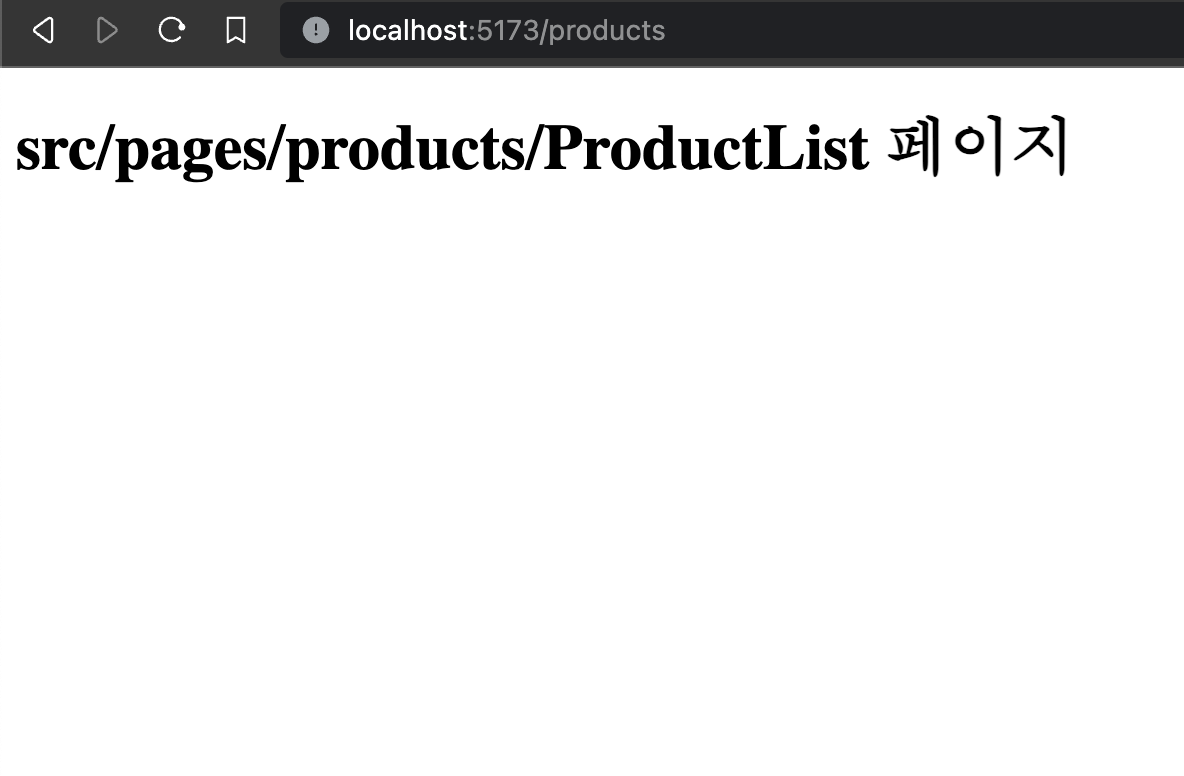
- products/index.tsx
This is the screen at
localhost:5173/products/.
const ProductList = () => {
  return (
  <div>
      This is the src/pages/products/ProductList page.
  </div>
  )
}

export default ProductList;
- products/[id].tsx
This file is dynamically routed to
locahost:5173/products/${product-number}/. To see the current product number, I useduseParamsto retrieve theidvalue.
import { useParams } from "react-router-dom";

const ProductDetail = () => {
  let { id } = useParams<"id">();
  return (
  <div>
      Product details for item {id}.
  </div>
  )
}

export default ProductDetail;
3-3. _layout.tsx
I wrote this by referring to the official GitHub repository.
Create it under the src/pages path.
import React, { Suspense } from 'react';
import { Outlet } from 'react-router-dom';

const Layout: React.FC = () => {
  return (
  <div>
    <Suspense fallback={'loading...'}>
      <Outlet />
    </Suspense>
  </div>
  )
}

export default Layout;
3-4. routes.tsx
This is where the problem caused by the plugin version upgrade occurred. In the course, routes.tsx was generated automatically, but it wasn’t generated for me, so I wrote it myself.
Create it under the src path.
import { lazy } from "react";
import GlobalLayout from "./pages/_layout";

const Index = lazy(() => import("./pages/index"));
const PoroductsIndex = lazy(() => import("./pages/products/index"));
const ProductsId = lazy(() => import("./pages/products/[id]"));

export const routes = [
  {
    path: "/",
    element: <GlobalLayout />,
    children: [
      { path: "/", element: <Index /> },
      { path: "/products", element: <PoroductsIndex /> },
      { path: "/products/:id", element: <ProductsId /> },
    ],
  },
];

export const pages = [
  { route: "/" },
  { route: "/products" },
  { route: "/products/:id" },
];
The / path displays the Index component, and /products displays ProductsIndex (the products/index.tsx file).
vite-plugin-next-react-router uses the react-router approach: this routes.tsx file configures which component to display for each path.
3-5. App.tsx
As you know, Next.js has a global file like _app.tsx. App.tsx will now play a similar role to _app.tsx.
import { useRoutes } from 'react-router-dom';
import { routes } from './routes';

const App = () => {
  const elem = useRoutes(routes)
  return elem
}

export default App;
We use the userRoutes hook with the routes.tsx file we wrote, assign it to a variable named elem, and return it.
Routing should now work properly. Let’s check.
4. Result
- localhost:5173/

localhost:5173/products
localhost:5173/products/22
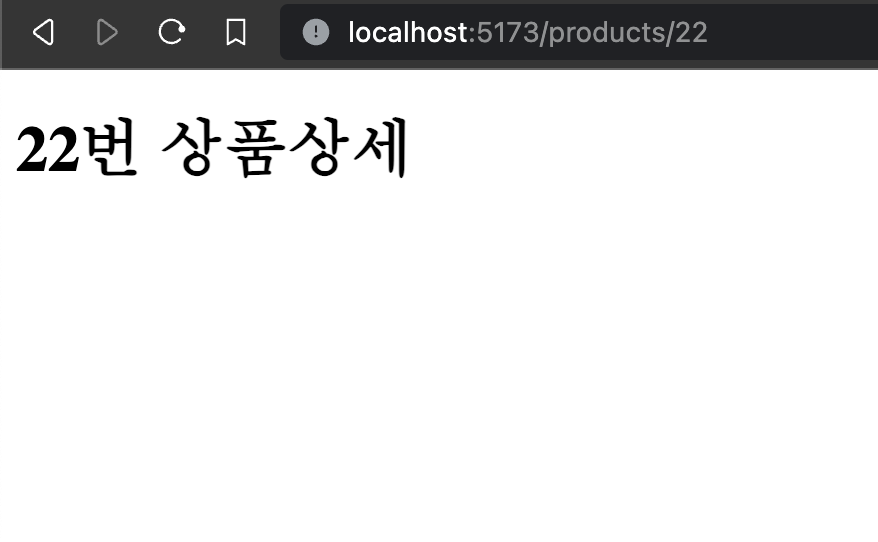
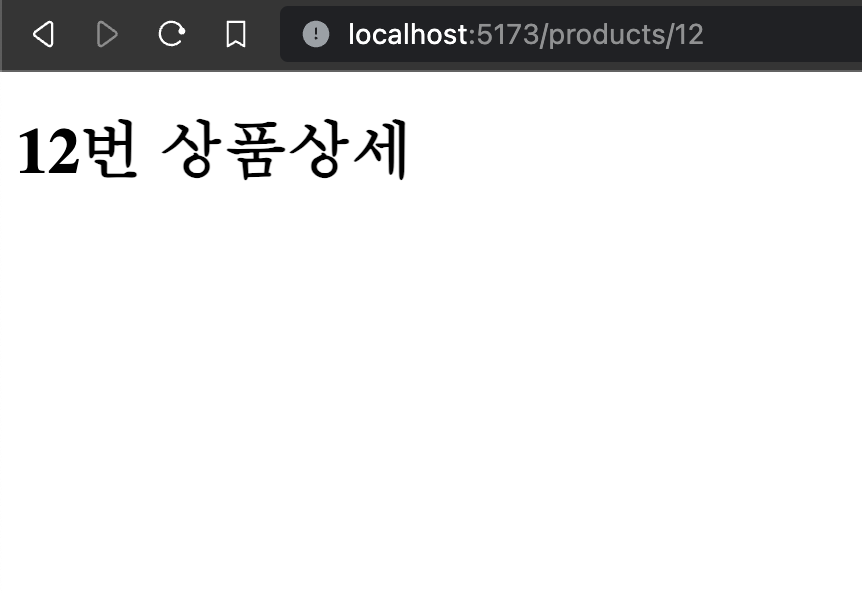
You can also see that the displayed value changes according to the id in products/[id].
I’ll end the post here. Thank you.