I originally built a k8s cluster (one master and two workers) for testing at work, but it ended up being used in production. The servers are running Ubuntu Desktop, and because intermittent network disconnections have been occurring, I’m considering rebuilding it, so I did this exercise.
From the link above, I chose the desired architecture under the netinst CD image, downloaded it, and installed it in a VM.Local environment: Mac OS Sonoma 14.5 | Macbook Air M1 | 16G RAMVM installation environment: Debian 12.6 | 2 cores | 4G RAM
1. Install Debian
Since this was my first time using Debian, I read each description on screen as I proceeded.
On the Software Installation tab, I installed with only the options checked by default—SSH server, standart system utilities—and checked the option to divide partitions into /var, /tmp, /home, and so on.
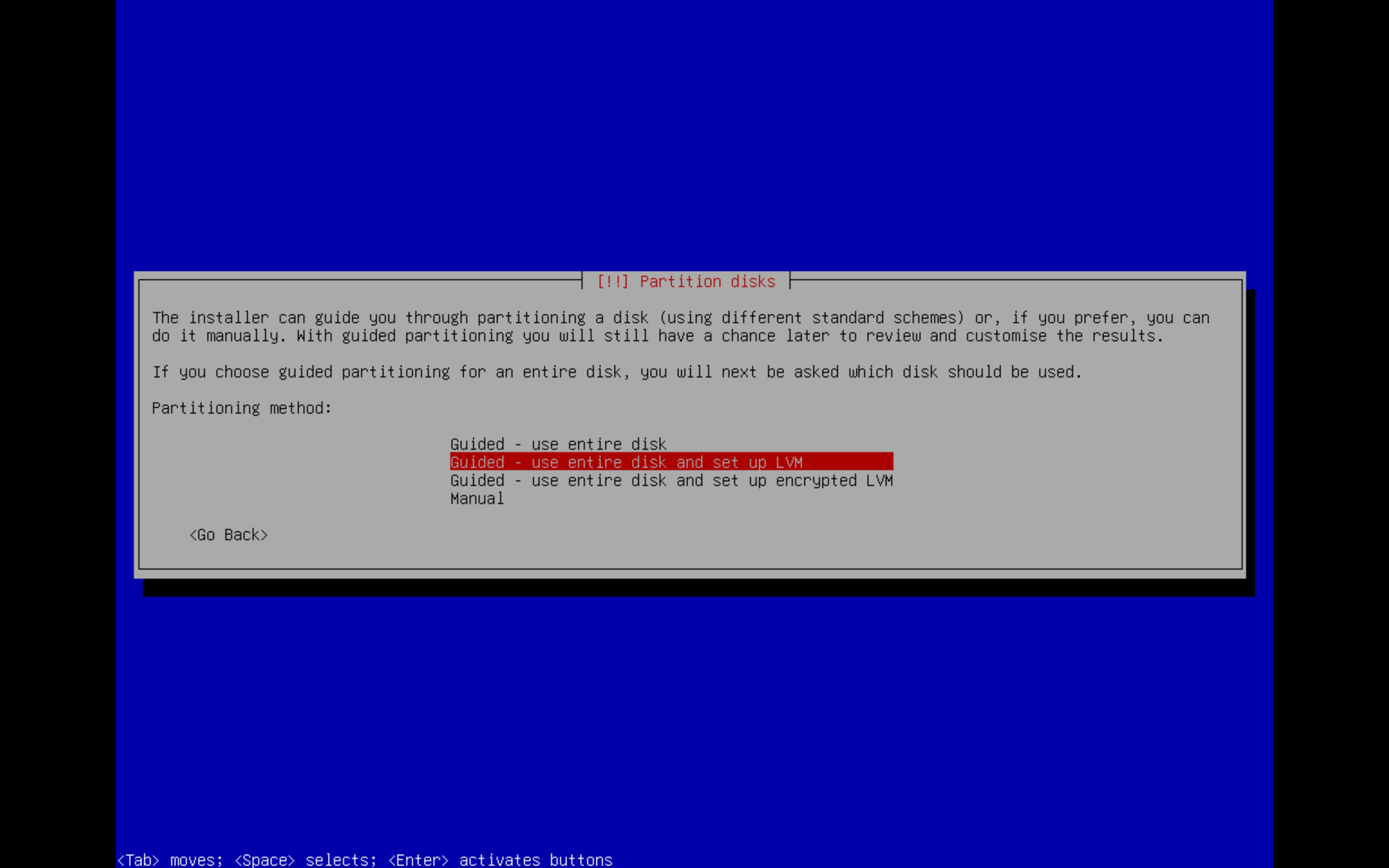
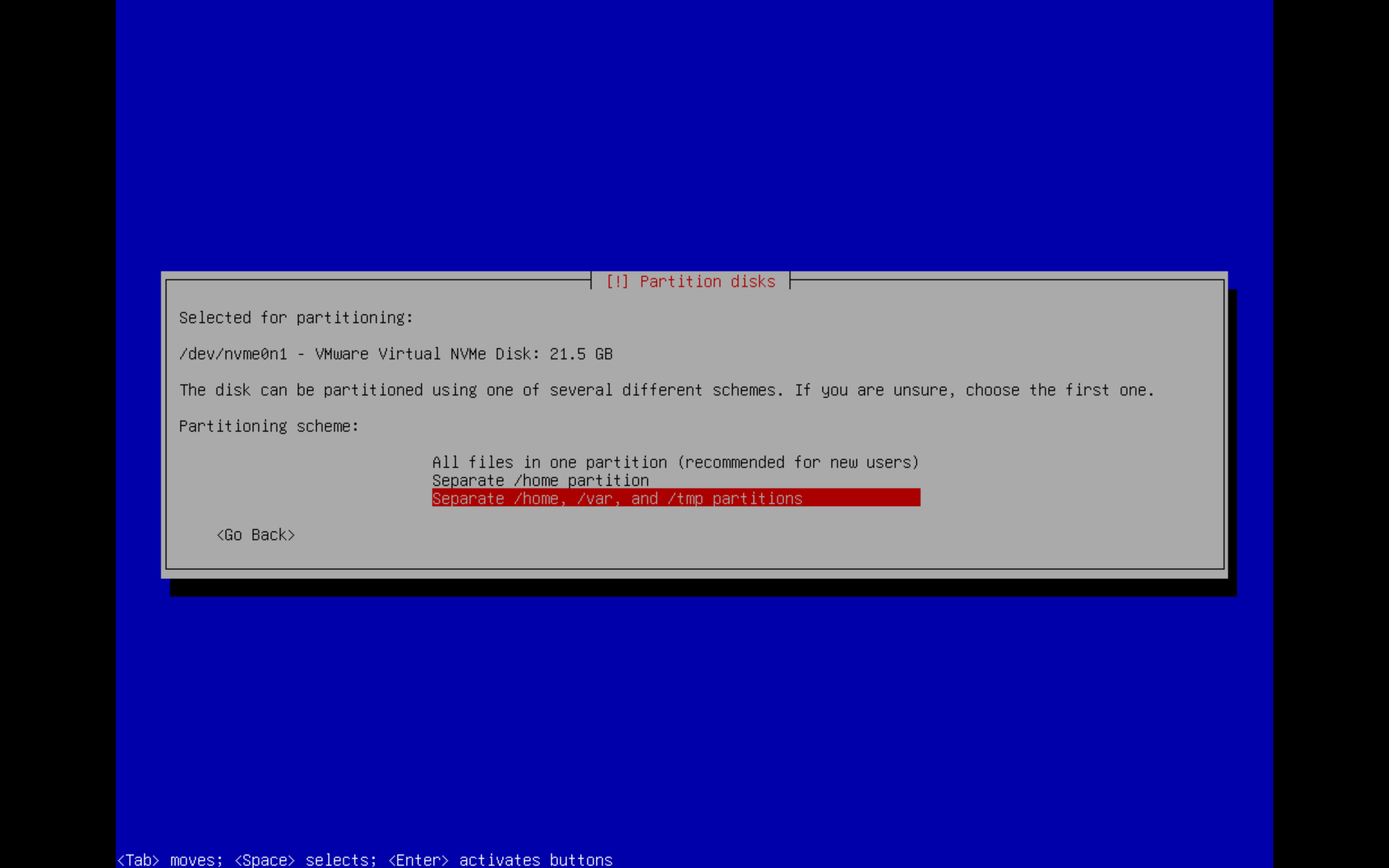
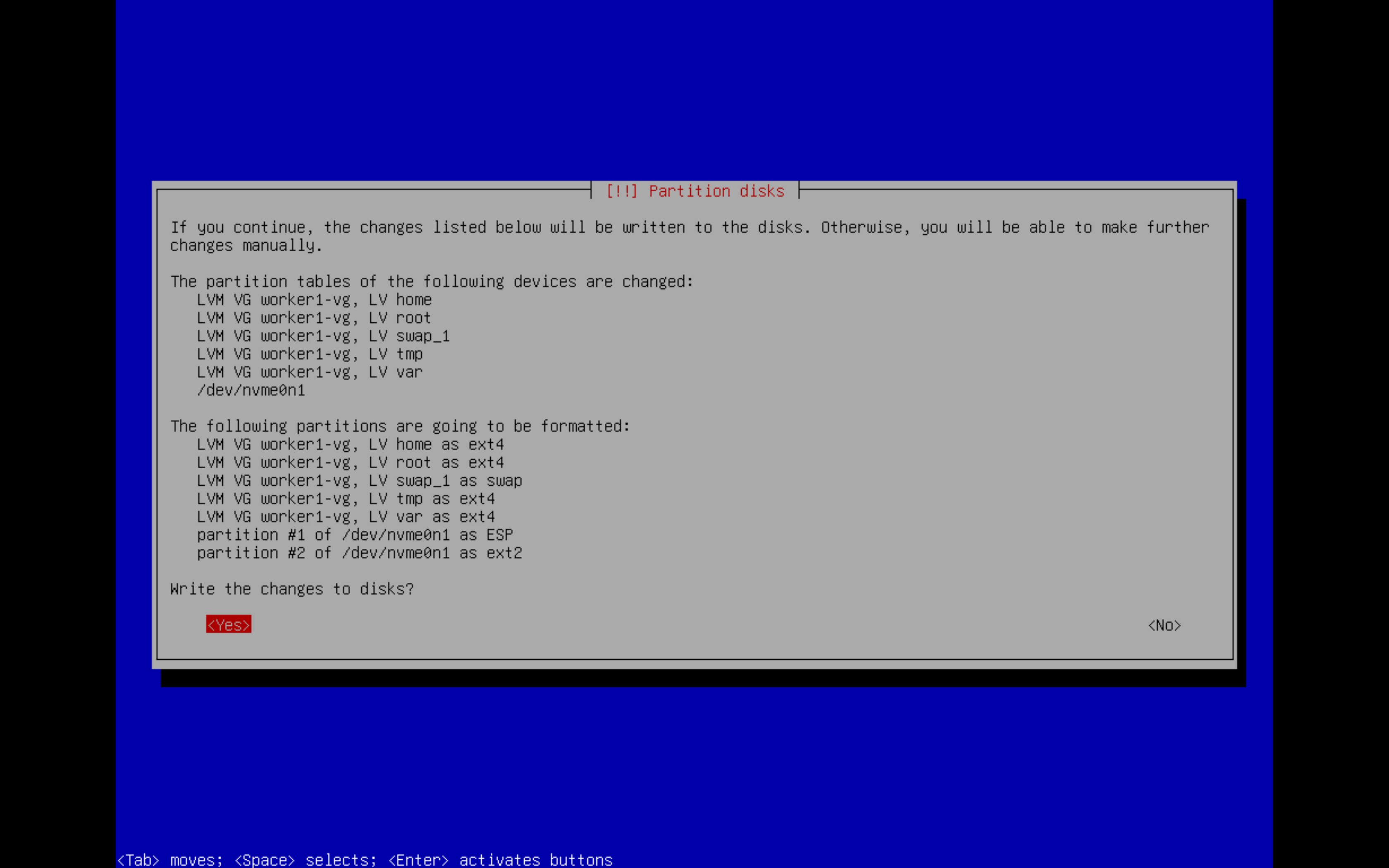
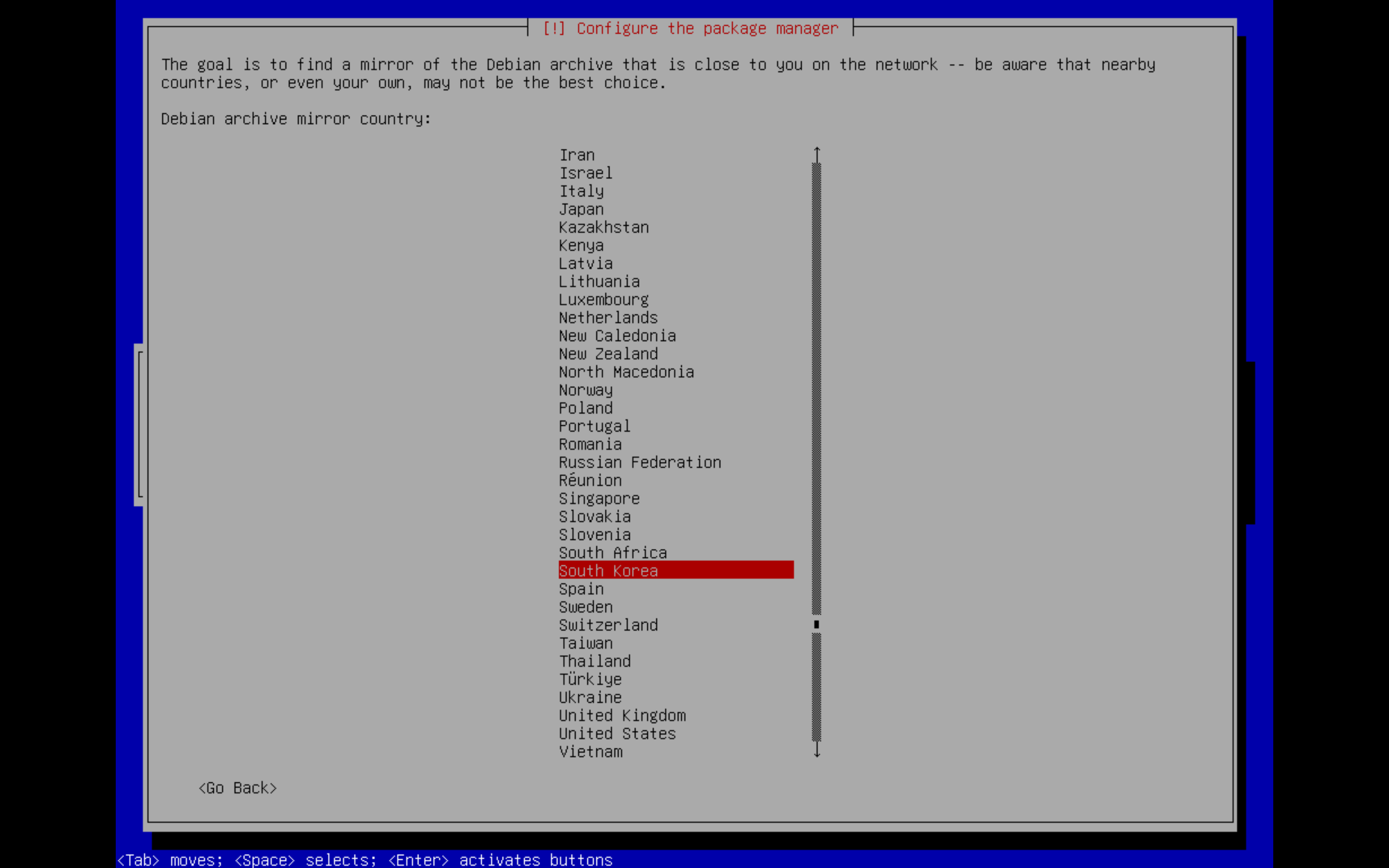
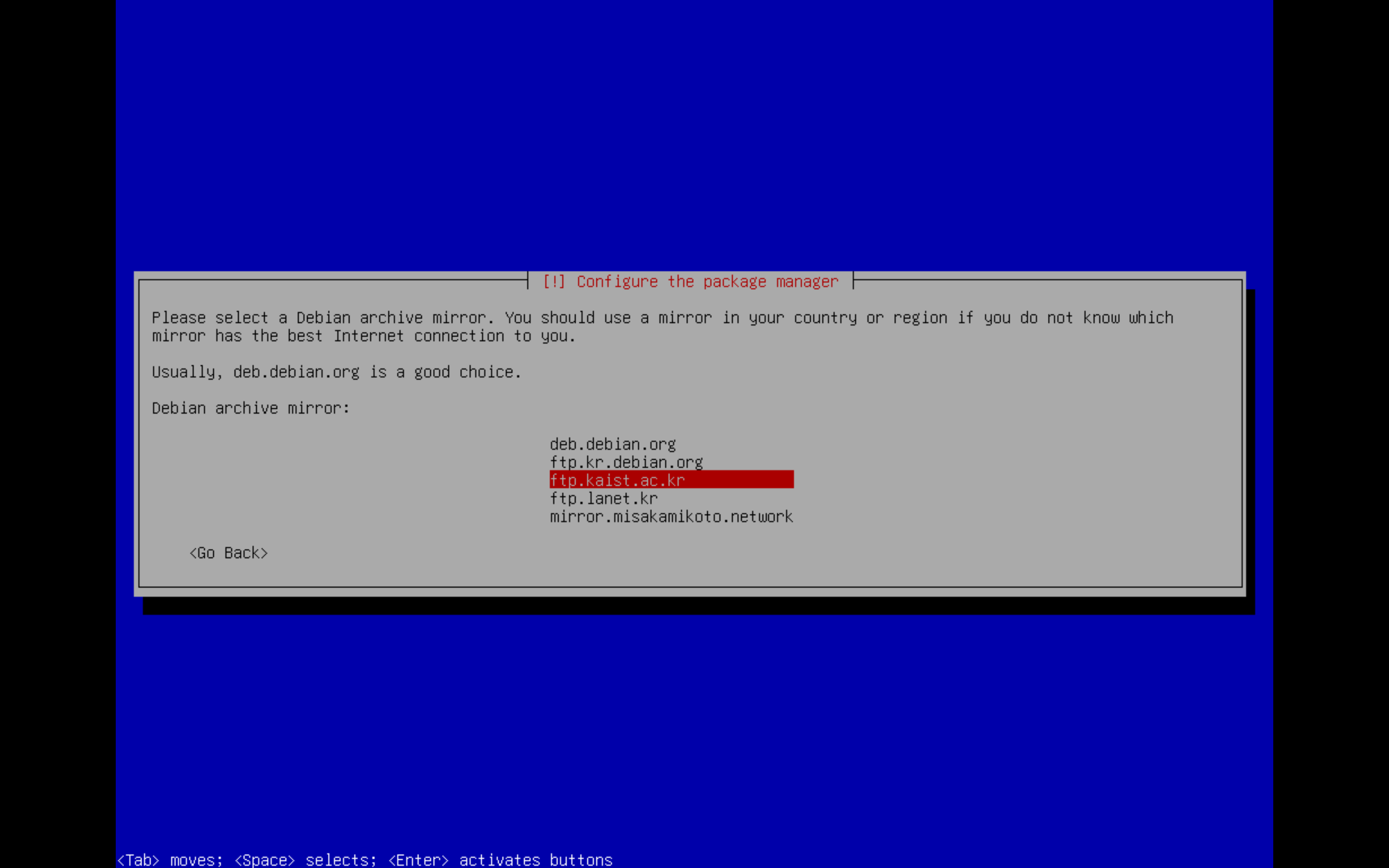
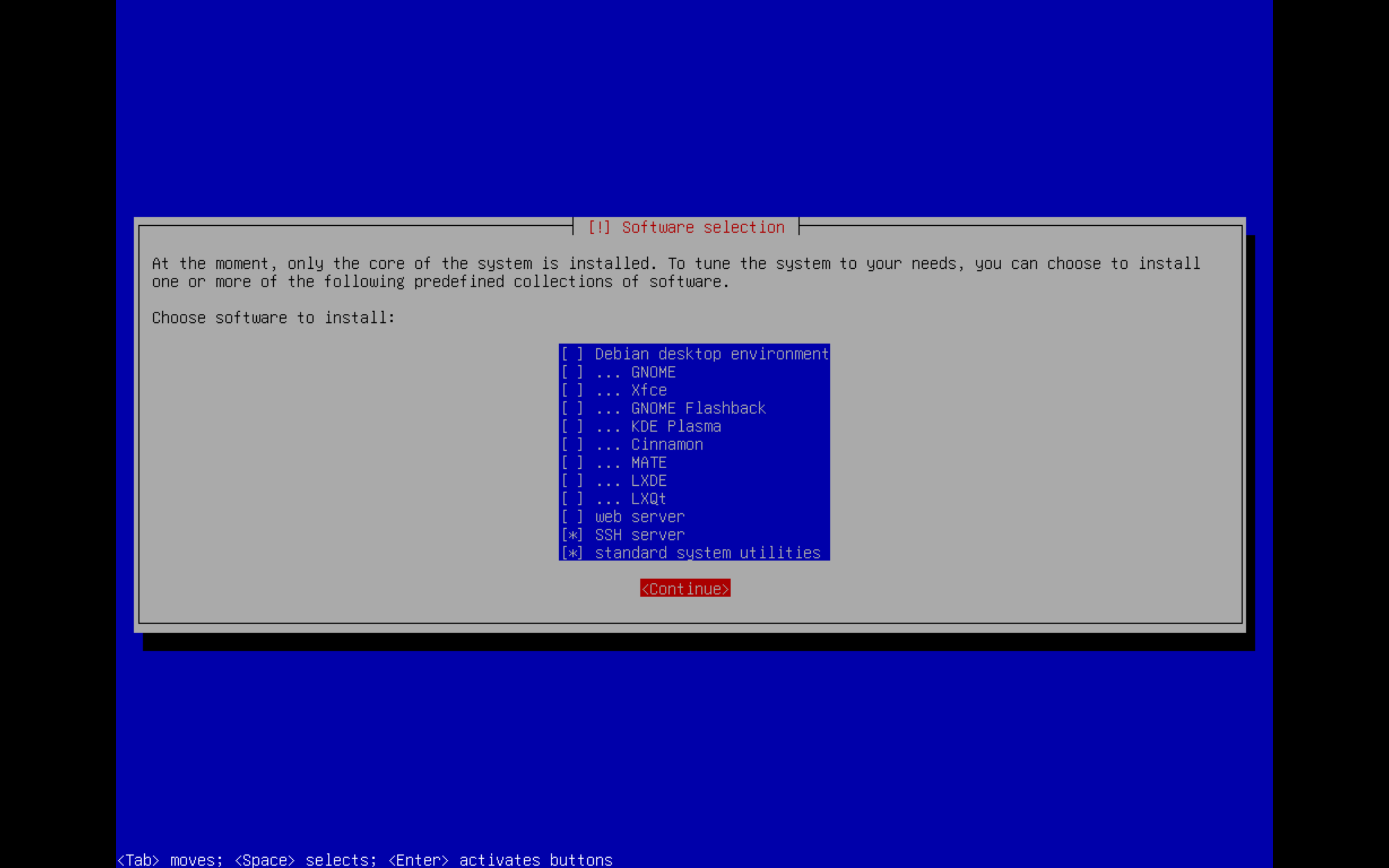
After installation, I enabled root access from the local terminal by adding PermitRootLogin yes to /etc/ssh/sshd_config.
2. Install k3s
I installed it by following the official page.
2-1. Requirements
Since k3s is a lightweight Kubernetes cluster, its hardware requirements are low.
| Spec | Minimum | Recommended |
|---|---|---|
| CPU | 1 core | 2 cores |
| RAM | 512 MB | 1 GB |
For a cluster with multiple nodes, the following is recommended.
| Deployment Size | Nodes | VCPUS | RAM |
|---|---|---|---|
| Small | Up to 10 | 2 | 4 GB |
| Medium | Up to 100 | 4 | 8 GB |
| Large | Up to 250 | 8 | 16 GB |
| X-Large | Up to 500 | 16 | 32 GB |
| XX-Large | 500+ | 32 | 64 GB |
The k3s official site recommends turning off ufw (uncomplicated firewall):
ufw disable
If you want to leave ufw enabled, add the following rules.
ufw allow 6443/tcp #apiserver
ufw allow from 10.42.0.0/16 to any #pods
ufw allow from 10.43.0.0/16 to any #services
2-2. Install k3s
k3s installation script
Copy the script above, open vim ${desired-name}.sh, paste it, and save it. Then grant execute permission with chmod 744 ${saved file} and run it.
Alternatively, you can install it with curl -sfL https://get.k3s.io | sh -. You can put a pipe | after it and pass environment variables to install with various options.
Other configuration methods are available here.
root@master:~# ls -alhr
total 72K
-rw-r--r--  1 root root  35K Jun 30 03:12 k3s-isntallation.sh
-rw-------  1 root root 9.7K Jun 30 03:12 .viminfo
drwx------  2 root root 4.0K Jun 30 02:34 .ssh
-rw-r--r--  1 root root  161 Jun  5 22:35 .profile
-rw-------  1 root root   20 Jun 30 02:43 .lesshst
-rw-r--r--  1 root root  607 Jun  5 22:35 .bashrc
drwxr-xr-x 18 root root 4.0K Jun 30 02:34 ..
drwx------  3 root root 4.0K Jun 30 03:12 .
root@master:~# chmod 744 k3s-isntallation.sh
root@master:~# ls -alhr
total 72K
-rwxr--r--  1 root root  35K Jun 30 03:12 k3s-isntallation.sh
-rw-------  1 root root 9.7K Jun 30 03:12 .viminfo
drwx------  2 root root 4.0K Jun 30 02:34 .ssh
-rw-r--r--  1 root root  161 Jun  5 22:35 .profile
-rw-------  1 root root   20 Jun 30 02:43 .lesshst
-rw-r--r--  1 root root  607 Jun  5 22:35 .bashrc
drwxr-xr-x 18 root root 4.0K Jun 30 02:34 ..
drwx------  3 root root 4.0K Jun 30 03:12 .
root@master:~# ./k3s-isntallation.sh
[INFO]  Finding release for channel stable
[INFO]  Using v1.29.6+k3s1 as release
[INFO]  Downloading hash https://github.com/k3s-io/k3s/releases/download/v1.29.6+k3s1/sha256sum-arm64.txt
[INFO]  Downloading binary https://github.com/k3s-io/k3s/releases/download/v1.29.6+k3s1/k3s-arm64
[INFO]  Verifying binary download
[INFO]  Installing k3s to /usr/local/bin/k3s
./k3s-isntallation.sh: 579: [: Illegal number:
[INFO]  Skipping installation of SELinux RPM
[INFO]  Creating /usr/local/bin/kubectl symlink to k3s
[INFO]  Creating /usr/local/bin/crictl symlink to k3s
[INFO]  Creating /usr/local/bin/ctr symlink to k3s
[INFO]  Creating killall script /usr/local/bin/k3s-killall.sh
[INFO]  Creating uninstall script /usr/local/bin/k3s-uninstall.sh
[INFO]  env: Creating environment file /etc/systemd/system/k3s.service.env
[INFO]  systemd: Creating service file /etc/systemd/system/k3s.service
[INFO]  systemd: Enabling k3s unit
Created symlink '/etc/systemd/system/multi-user.target.wants/k3s.service' → '/etc/systemd/system/k3s.service'.
[INFO]  Host iptables-save/iptables-restore tools not found
[INFO]  Host ip6tables-save/ip6tables-restore tools not found
[INFO]  systemd: Starting k3s
k3s has started with systemd: Starting k3s.
Add alias k='kubectl' to ~/.bashrc to make kubectl available as k.
2-3. Try deploying
Let’s deploy nginx for testing.
apiVersion: apps/v1
kind: Deployment
metadata:
  name: nginx
spec:
  selector:
    matchLabels:
      app: nginx
  replicas: 1
  template:
    metadata:
      labels:
        app: nginx
    spec:
      containers:
        - name: nginx
          image: nginx
---
apiVersion: v1
kind: Service
metadata:
  name: nginx
  labels:
    app: nginx
spec:
  ports:
  - name: http
    port: 80
    protocol: TCP
    targetPort: 80
    nodePort: 30080
  selector:
    app: nginx
  type: NodePort
root@master:~/kube# k apply -f test.yaml
deployment.apps/nginx created
service/nginx created
root@master:~/kube# k get all
NAME                         READY   STATUS    RESTARTS   AGE
pod/nginx-7854ff8877-fvlwr   1/1     Running   0          81s

NAME                 TYPE        CLUSTER-IP     EXTERNAL-IP   PORT(S)        AGE
service/kubernetes   ClusterIP   10.43.0.1      <none>        443/TCP        57m
service/nginx        NodePort    10.43.201.68   <none>        80:30080/TCP   81s

NAME                    READY   UP-TO-DATE   AVAILABLE   AGE
deployment.apps/nginx   1/1     1            1           81s

NAME                               DESIRED   CURRENT   READY   AGE
replicaset.apps/nginx-7854ff8877   1         1         1       81s
Let’s connect to the created nginx service on its nodePort, 30080.
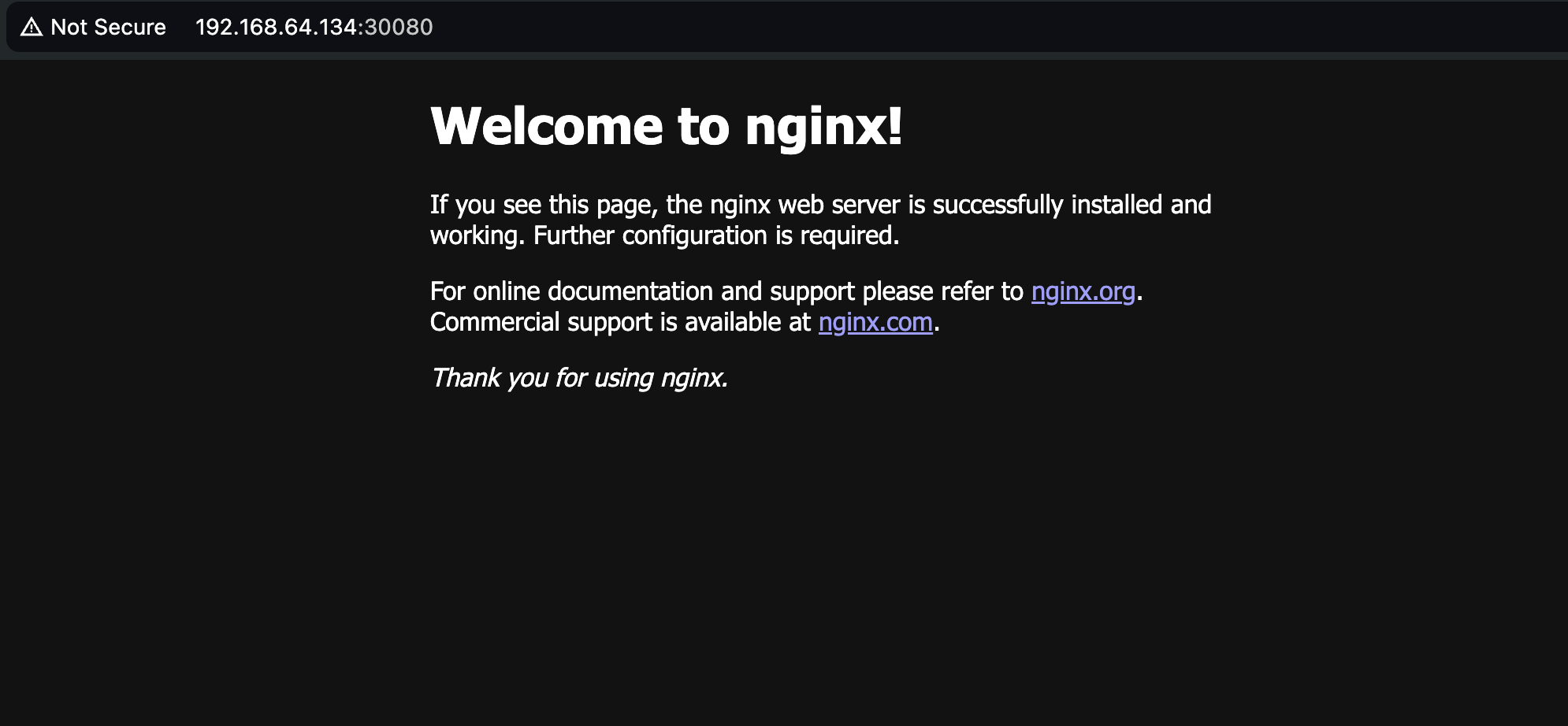
It connects successfully.
3. Configure a multi-node cluster
Now I’ll install two more Debian instances and configure a cluster. Repeat the steps from before installing k3s twice.
Master
On the master node, the one where we tested nginx:
k3s token generate
A node-token is created in /var/lib/rancher/k3s/server.
Copy it.
Worker node
curl -sfL https://get.k3s.io | K3S_URL=https://${MASTER_NODE_IP}:6443 K3S_TOKEN=${COPIED_TOKEN} sh -
root@worker1:~# curl -sfL https://get.k3s.io | K3S_URL=https://192.168.64.134:6443 K3S_TOKEN=K1023d2d3a735f97fdf521b0476204cdb8ac834d218ce17e6f00b2343855ea18847::server:93aebf25320deadb1695897d9e2c66ba sh -
[INFO]  Finding release for channel stable
[INFO]  Using v1.29.6+k3s1 as release
[INFO]  Downloading hash https://github.com/k3s-io/k3s/releases/download/v1.29.6+k3s1/sha256sum-arm64.txt
[INFO]  Skipping binary downloaded, installed k3s matches hash
sh: 579: [: Illegal number:
[INFO]  Skipping installation of SELinux RPM
[INFO]  Skipping /usr/local/bin/kubectl symlink to k3s, already exists
[INFO]  Skipping /usr/local/bin/crictl symlink to k3s, already exists
[INFO]  Skipping /usr/local/bin/ctr symlink to k3s, already exists
[INFO]  Creating killall script /usr/local/bin/k3s-killall.sh
[INFO]  Creating uninstall script /usr/local/bin/k3s-agent-uninstall.sh
[INFO]  env: Creating environment file /etc/systemd/system/k3s-agent.service.env
[INFO]  systemd: Creating service file /etc/systemd/system/k3s-agent.service
[INFO]  systemd: Enabling k3s-agent unit
Created symlink '/etc/systemd/system/multi-user.target.wants/k3s-agent.service' → '/etc/systemd/system/k3s-agent.service'.
[INFO]  Host iptables-save/iptables-restore tools not found
[INFO]  Host ip6tables-save/ip6tables-restore tools not found
[INFO]  systemd: Starting k3s-agent
Master
Run k get nodes to check whether the nodes joined the cluster.
root@master:/var/lib/rancher/k3s/server# k get nodes
NAME      STATUS   ROLES                  AGE    VERSION
master    Ready    control-plane,master   80m    v1.29.6+k3s1
worker1   Ready    <none>                 102s   v1.29.6+k3s1
It has joined.
4. Deploy kube-prometheus-stack
Now let’s use a helm chart to deploy kube-prometheus-stack.
helm is the Kubernetes package manager, and
kube-prometheus-stack is a helm chart that can install Grafana, Prometheus, Alertmanager, and more all at once.
First, install helm.
curl -fsSL -o get_helm.sh https://raw.githubusercontent.com/helm/helm/main/scripts/get-helm-3
chmod 700 get_helm.sh
./get_helm.sh
After installing, if you run helm ls, you may see an error such as
Error: Kubernetes cluster unreachable: Get "http://localhost:8080/version": dial tcp [::1]:8080: connect: connection refused.
This occurs because the KUBECONFIG environment variable is not set.
Set it with the command export KUBECONFIG=/etc/rancher/k3s/k3s.yaml.
helm repo add prometheus-community https://prometheus-community.github.io/helm-charts
helm repo update
Add and update the Helm repository with the commands above.
Create a namespace as well.
k create ns monitoring
Install it with the command:
helm install [RELEASE_NAME] prometheus-community/kube-prometheus-stack -n monitoring.
Then use k get all -n monitoring to check the installed Pods.
5. Conclusion
This was my first time using k3s, and it felt much simpler and easier than k8s.
Great for:

Edge
Homelab
Internet of Things (IoT)
Continuous Integration (CI)
Development
Single board computers (ARM)
Air-gapped environments
Embedded K8s
Situations where a PhD in K8s clusterology is infeasible
It is lightweight Kubernetes, suitable for uses such as these. I think it is good for deploying simple applications, a homelab, or testing.
Thank you.
>> Home